
Class Description
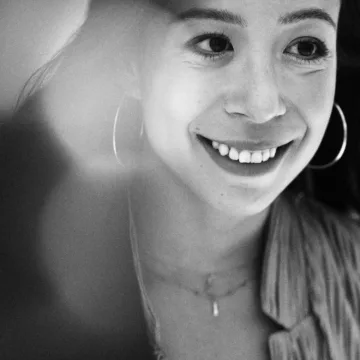
Thinking about applying to the Writing to Heal Immersive? Join instructor Jennifer Crystal for this free preview class and experience the program before you apply.
The Writing to Heal Immersive is GrubStreet's multi-month program designed to help nonfiction writers process through difficult experiences in writing and ultimately transform personal experiences into art.
During this 75-minute session, you'll get a taste of the writing, discussion, and craft instruction that define the program. In this session, you'll:
- Participate in a guided writing exercise
- Explore a craft concept through a mini lesson
- Meet Jennifer, learn about her teaching style, and ask any questions about the program during a Q&A
Whether you're ready to begin writing more deeply about your experiences or simply curious about the Writing to Heal Immersive, this preview class offers a firsthand look at the program and can help you decide whether it's the right next step for your writing.
Space is limited, so register early to reserve your seat
Applications for the Writing to Heal Immersive are due August 5, 2026, at 11:59pm ET. All applicants can expect to hear from us by the end of August 2026.
This class will take place using Zoom videoconferencing. After registering, a yellow Resources tab will appear in this section containing a link to join class. Please note that you will need to be logged into view the Resources tab.
Zoom Participation:
In our experience, the intimate nature of a writing workshop benefits from on-camera participation. Students are of course welcome to turn their camera off whenever they need to, but it is a community norm for cameras to be on most of the time. You can learn more about using Zoom here.
Zoom Accessibility:
You can enable closed captioning at any time during the meeting by clicking the CC button at the bottom of the screen. If you'd like to access the transcript after class, please make sure to let your instructor ahead of time that you'd like a copy.