
Class Description
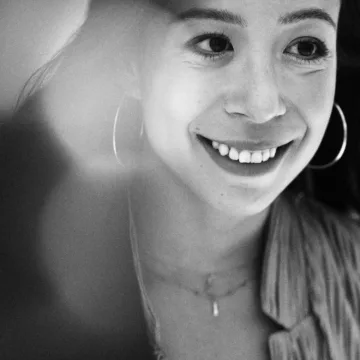
Loss—from the death of a loved one to the death of a dream—can be so crushing that it’s hard to find a way forward. In this guest program for Writing to Heal Immersive Program students and graduates, Grub Street Teaching Fellow Jacquinn Sinclair will explore writing rituals such as letter and card writing, and totems that act as a tool for healing and empowerment. In addition, we will review examples of rituals beyond writing personal narrative and learn how performing a personally designed ritual can add to your writing practice and further help you process emotions and provide structure and meaning. The program will include a lesson, writing prompts, and the
opportunity to share if students choose.
Note this is a free, custom offering only for Writing to Heal students and program alumni.
This class will take place using Zoom videoconferencing. After registering, a yellow Resources tab will appear in this section containing a link to join class. Please note that you will need to be logged into view the Resources tab.
Zoom Participation:
In our experience, the intimate nature of a writing workshop benefits from on-camera participation. Students are of course welcome to turn their camera off whenever they need to, but it is a community norm for cameras to be on most of the time. You can learn more about using Zoom here.
Zoom Accessibility:
You can enable closed captioning at any time during the meeting by clicking the CC button at the bottom of the screen. If you'd like to access the transcript after class, please make sure to let your instructor ahead of time that you'd like a copy.